Blog
How to Enable Data Roaming on iPhone and Android for Nigerian Carriers
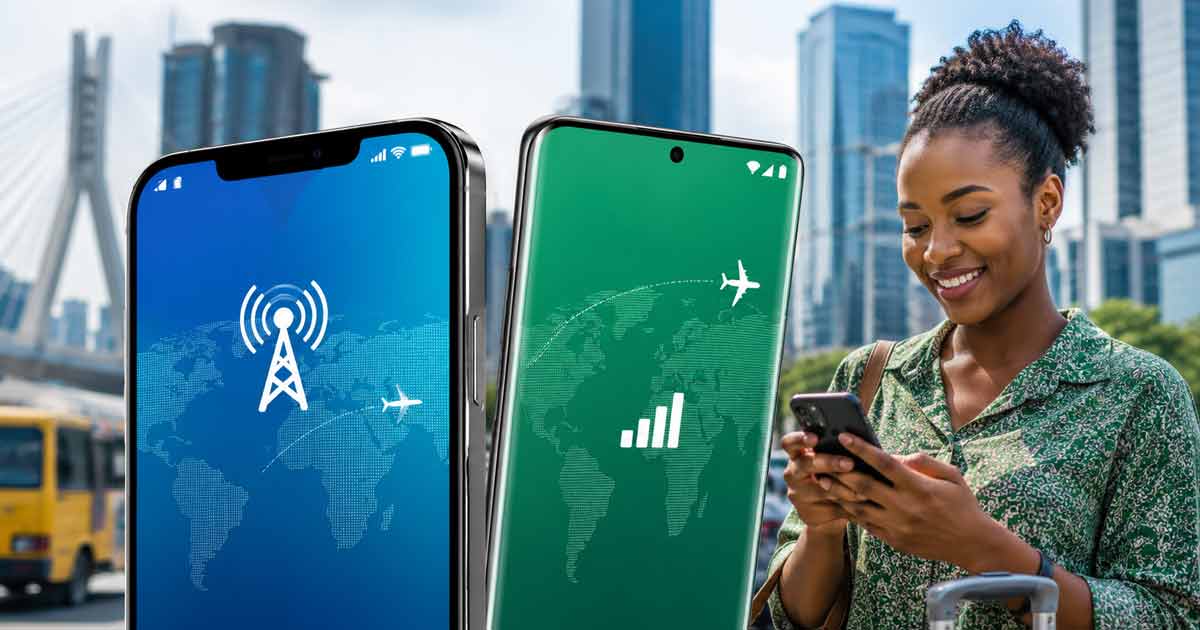
How Data Roaming Works for Nigerian Travelers
Data roaming lets you use your Nigerian SIM card for calls, texts, and internet access while abroad. Your home carrier (MTN, Airtel, Glo, or 9mobile) has agreements with foreign networks that allow your phone to connect to their towers when you leave Nigeria.
The process has two parts: activating a roaming plan with your carrier (which determines your rates and data allowance), and enabling data roaming in your phone settings (which tells your device to connect to foreign networks). Both steps are required. Activating a plan without enabling the setting means your phone will not connect. Enabling the setting without a plan means you will be charged expensive pay-as-you-go rates.
Step 1: Activate a Roaming Plan Before You Travel
Do this while you are still in Nigeria with good network coverage. Each carrier offers different activation methods.
MTN TravelPass
MTN offers discounted roaming bundles covering 50+ countries through their TravelPass product.
- USSD: Dial *312*6*1# and follow the prompts to select a daily, weekly, or monthly plan.
- myMTN NG App: Open the app → Tap Roaming → Select your destination country → Choose a plan → Tap Buy Now.
- Zigi Chatbot: Visit mtn.ng and use the chat option, or reach Zigi through WhatsApp or Telegram.
Airtel Roam The World
Airtel covers 60+ countries with their roaming bundles.
- USSD: Dial *312# and select a roaming plan from the menu.
- MyAirtel App: Open the app → Buy Bundles → Roaming Bundles → Choose daily or monthly plan → Complete payment.
- Website: Visit airtel.com.ng/data-bundle → Enter your number → Tap the Roaming tab → Select a plan → Pay via airtime, card, or SmartCash.
Glo Roaming
- USSD: Dial *312# → Select option 5 → Choose your roaming plan.
- Glo Cafe App: Log in → Find the Roaming menu → Select a bundle → Complete payment.
Note: Glo offers both prepaid and postpaid roaming. Postpaid customers need a ₦50,000 deposit and 72 hours advance notice.
9mobile Roaming
- USSD: Dial *312# and follow the prompts to activate.
For most carriers, roaming is technically enabled by default on a pay-as-you-go basis. But without a dedicated plan, charges are significantly higher. Always subscribe to a bundle before departure.
Step 2: Enable Data Roaming on Your Device
On iPhone
- Open Settings
- Tap Cellular (or Mobile Service)
- Tap Mobile Data Options
- Toggle Data Roaming on
On Android
- Open Settings
- Tap Connections (or SIM cards & mobile networks)
- Tap Mobile Networks
- Toggle Data Roaming on
After landing at your destination, your phone should automatically connect to a partner network. You may receive a welcome SMS listing available roaming partners in that country.
Troubleshooting Common Issues
- Phone shows "No Service" abroad: Restart your device. If the issue persists, go to network settings and switch from automatic to manual network selection. Choose a listed partner network.
- Data roaming enabled but no internet: Confirm your roaming plan is active by dialing your carrier's balance check code. Also verify that cellular data itself is turned on (separate from the roaming toggle).
- Calls work but data does not: Some roaming plans are voice-only. Check that your specific plan includes data. You may need to purchase an additional data roaming add-on.
- Unexpectedly high charges: Background apps consume data without your knowledge. Before traveling, disable automatic app updates, cloud photo sync, and other data-heavy background processes.
Cost Comparison: Roaming vs Alternatives
Data roaming is convenient but not always the cheapest option. Here is how it compares:
- Data roaming: Convenient (keep your Nigerian number active), but rates are higher than local plans. Best for short trips where you need calls and texts on your Nigerian number.
- eSIM (data-only): Usually cheaper for pure data usage. You get a local data plan without visiting a store. Downside: your Nigerian number will not receive calls unless you keep roaming active on your physical SIM simultaneously.
- Local SIM at destination: Cheapest option for extended stays. Requires finding a store, registration, and potentially a new number. Not practical for short trips.
For most Nigerian travelers on trips under two weeks, a carrier roaming plan combined with Wi-Fi at hotels and cafes strikes the best balance between cost and convenience. For longer stays or heavy data usage, an eSIM or local SIM becomes more economical.
Tips to Reduce Roaming Costs
- Download maps, entertainment, and documents before departure so you use less data abroad.
- Connect to Wi-Fi whenever available and reserve mobile data for essential communication.
- Disable automatic app updates and cloud backups while roaming.
- Use messaging apps (WhatsApp, Telegram) for calls instead of regular cellular calls when on Wi-Fi.
- Monitor your data usage daily through your carrier's app to avoid exceeding your plan allowance.