Blog
How to Cancel Subscriptions on iPhone and Android in Nigeria: Stop Unwanted Charges
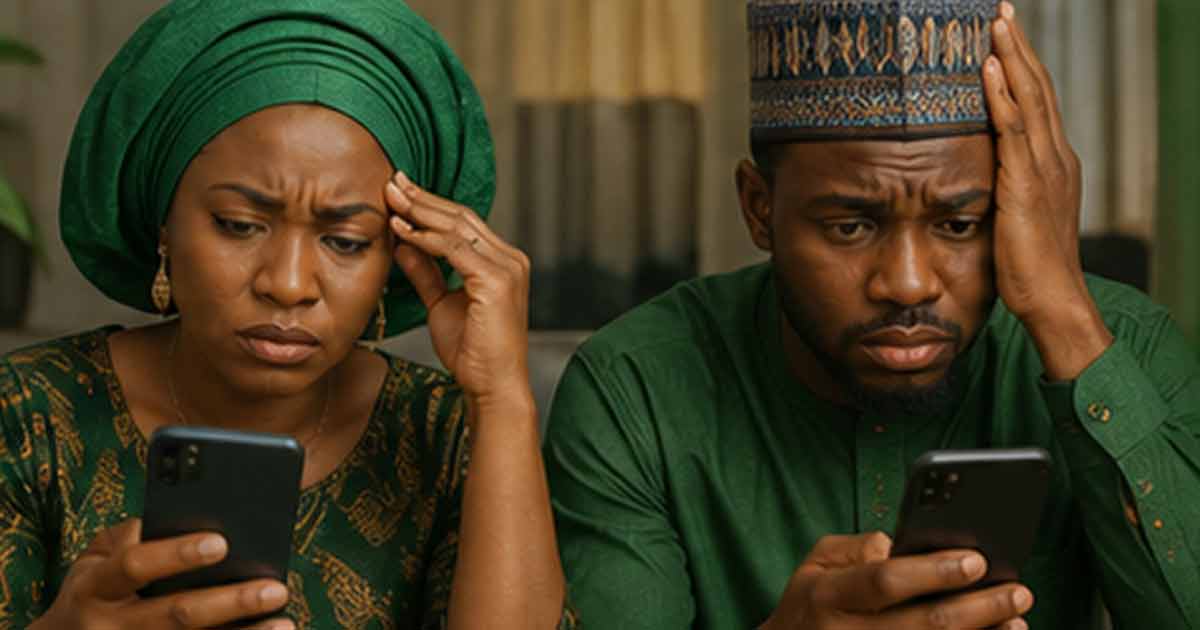
Unwanted Subscription Charges Are a Common Problem in Nigeria
Many Nigerians discover unexpected charges on their bank statements from app subscriptions they forgot about or thought they had cancelled. Free trials that convert to paid plans, games with auto-renewing premium features, and streaming services you stopped using months ago can all quietly drain your account.
The problem is worse when you are paying in dollars through a Nigerian card or virtual dollar card, because even a small subscription becomes more expensive after exchange rate conversion. This guide shows you exactly how to find and cancel subscriptions on both iPhone and Android.
How to Cancel Subscriptions on iPhone
Through Settings
- Open the Settings app.
- Tap your name at the top to open your Apple ID.
- Tap Subscriptions.
- You will see a list of all active and expired subscriptions.
- Tap the subscription you want to cancel.
- Tap Cancel Subscription and confirm.
Through the App Store
- Open the App Store.
- Tap your profile icon in the top right.
- Tap Subscriptions.
- Select the subscription and cancel it.
Important details
- Cancelling does not give you an immediate refund. You keep access until the current billing period ends.
- If you do not see a subscription listed, it may be billed directly by the service rather than through Apple. In that case, you need to cancel through the service's own website or app.
- Deleting the app does not cancel the subscription. The billing continues until you explicitly cancel through your Apple ID settings.
How to Cancel Subscriptions on Android
Through Google Play Store
- Open the Google Play Store.
- Tap your profile icon.
- Tap Payments and subscriptions.
- Tap Subscriptions.
- Select the subscription you want to cancel.
- Tap Cancel subscription and follow the prompts.
Important details
- Like iPhone, cancelling keeps your access until the end of the current billing cycle.
- If the subscription was set up through the app's own payment system rather than Google Play, you need to cancel it directly with the service.
- Uninstalling the app does not stop billing. You must cancel through Google Play or the service provider.
How to Find Subscriptions You Forgot About
If you suspect you are being charged for something but cannot remember what, check these places:
On iPhone
- Settings then Apple ID then Subscriptions shows everything billed through Apple.
- Check your email for receipts from Apple with the subject line containing your subscription details.
On Android
- Google Play then Payments and subscriptions then Subscriptions shows everything billed through Google.
- Search your email for Google Play receipts.
Bank statement review
If the charge does not appear in Apple or Google subscription lists, it is likely billed directly by the service. Check your bank statement for recurring charges and match them to services you may have signed up for. Common culprits include streaming platforms, cloud storage, fitness apps, and productivity tools.
Free Trials That Convert to Paid Plans
Many apps offer free trials that automatically convert to paid subscriptions. In Nigeria, this is a frequent source of unexpected charges because users sign up for the trial, forget about it, and get billed after the trial period ends.
How to protect yourself
- Set a reminder one or two days before the trial ends.
- Cancel the trial immediately after signing up if you only want to test the app. On most platforms, cancelling during the trial still gives you access for the full trial period.
- Check your subscription list regularly, especially after trying new apps.
What to Do If You Were Charged After Cancelling
If you cancelled a subscription but still got charged:
- Check whether you cancelled before or after the renewal date. If you cancelled after, the charge for that cycle is usually valid.
- Verify you cancelled on the correct account. If you use multiple Apple IDs or Google accounts, the subscription may be on a different one.
- Contact the service provider or Apple or Google support to dispute the charge if you believe it was made in error.
- For charges through Apple, you can request a refund at reportaproblem.apple.com.
- For charges through Google Play, you can request a refund through the Google Play support page.
Managing Subscription Spending in Nigeria
Beyond cancelling what you do not need, here are practical habits to control subscription costs:
- Keep a simple list of all active subscriptions with their renewal dates and costs.
- Review the list monthly or quarterly.
- Cancel anything you have not used in the past 30 days.
- Avoid signing up for annual plans unless you are certain you will use the service for the full year.
- Use gift card balance or prepaid methods to cap spending naturally.
The Real Cost of Forgotten Subscriptions
A single forgotten $5 monthly subscription costs about $60 per year. At current naira exchange rates, that is a significant amount. If you have two or three forgotten subscriptions running simultaneously, the annual waste adds up quickly. For Nigerians paying through dollar cards or gift cards with markup, the effective cost is even higher.
Taking 10 minutes to audit your subscriptions can save you real money. The process is simple. The savings are not.