Blog
How to Pay for Spotify in Nigeria: Every Working Method in 2026
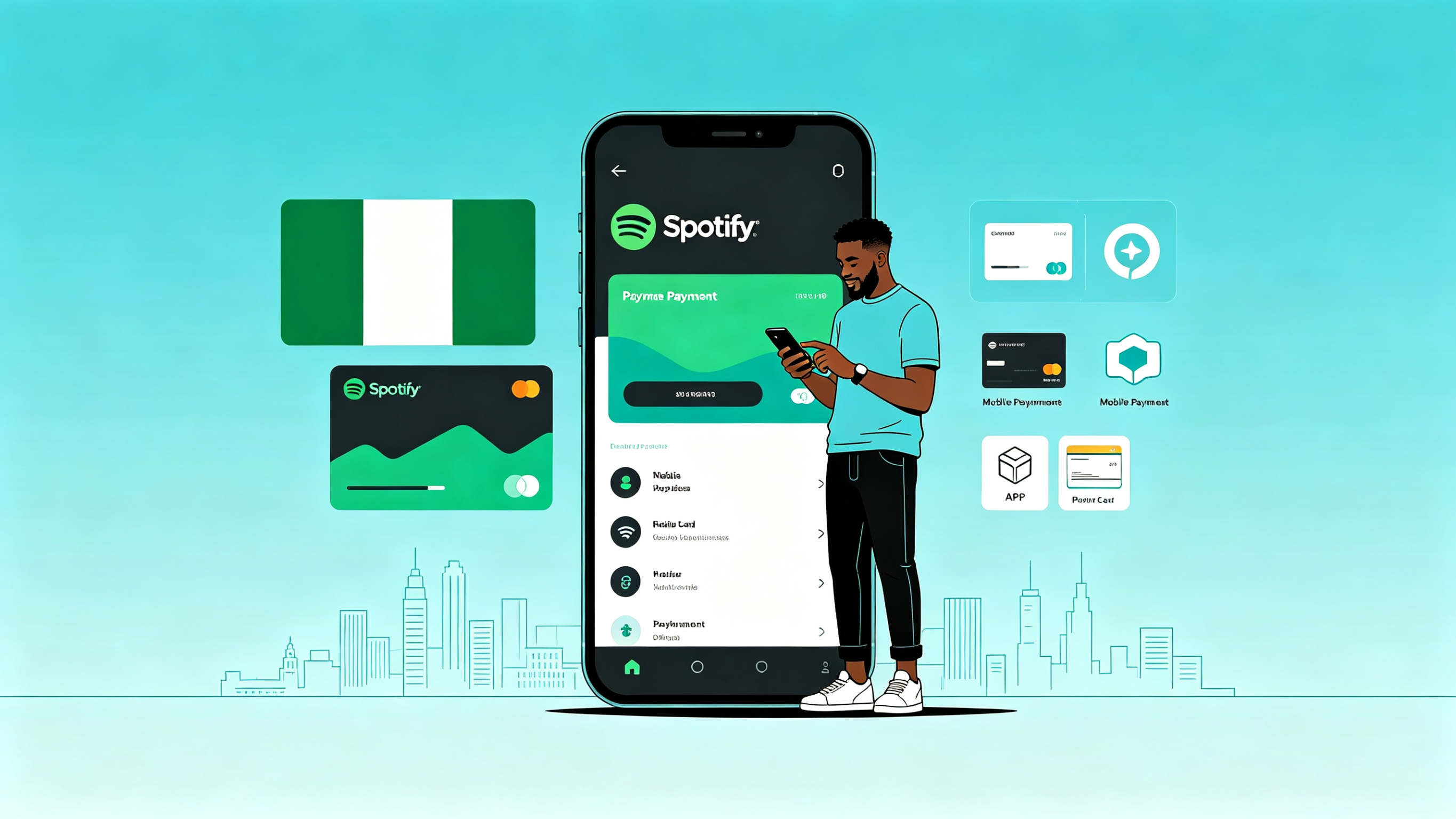
Spotify in Nigeria: Affordable Plans, Frustrating Payments
Spotify launched in Nigeria with naira-priced plans that are among the cheapest in the world. The music library is the same as what users in the US or UK get, but the price is a fraction. The problem is not the cost. The problem is actually getting the payment to go through.
Nigerian bank cards are frequently declined on Spotify. Payment methods that worked last month stop working this month. And the workarounds are not always obvious. This guide covers every method that works in 2026 so you can pick the one that fits your situation.
Method 1: Direct Naira Billing with a Nigerian Card
Spotify offers naira pricing for Nigerian accounts. If your Nigerian Visa or Mastercard works, this is the cheapest option by far.
How to set it up
- Create a Spotify account or log in to your existing one. Make sure your account country is set to Nigeria.
- Go to your account page on spotify.com (not the app — payment management is easier on the website).
- Select a plan and enter your Nigerian card details.
- Spotify will attempt a small authorization charge to verify the card, then begin your subscription.
Why it might not work
Many Nigerian bank cards are declined on Spotify due to insufficient forex allocation by the issuing bank, international transaction blocks, or card type restrictions. If your card is declined:
- Call your bank and ask them to enable international recurring payments on your card.
- Try a different bank's card. Some banks have consistently better success rates for streaming subscriptions.
- Check if your card has an international transaction limit set to zero — this is a common default that blocks all foreign charges.
Method 2: Google Play Billing (Android Users)
If you subscribe to Spotify through the Google Play Store, the charge goes to your Google Play payment method instead of directly to Spotify.
How it works
- Buy a Google Play gift card (available from various sources in Nigeria).
- Redeem the gift card on your Google account to add balance.
- Open the Spotify app on your Android phone.
- Subscribe to Premium through the app. Google Play billing is offered as a payment option.
- The subscription charge comes from your Google Play balance.
Cost consideration
Google takes a commission on in-app purchases, so the price through Google Play may be slightly higher than direct billing. You also pay whatever markup exists on the Google Play gift card purchase. However, this method is reliable — gift card balance does not get declined.
Keeping it active
You need sufficient Google Play balance before each renewal date. If the balance is insufficient, the subscription lapses. Set a reminder to top up a few days before your billing date.
Method 3: Apple App Store Billing (iPhone Users)
The same approach works for iPhone users through Apple's billing system.
How it works
- Buy an Apple gift card.
- Redeem it on your Apple ID.
- Subscribe to Spotify Premium through the Spotify app on your iPhone.
- The charge goes to your Apple ID balance.
Cost consideration
Apple's commission is up to 30%, which Spotify may pass on through higher in-app pricing. This makes App Store billing the most expensive method. Use it only if other methods fail.
Method 4: Virtual Dollar Card
A virtual dollar card from a Nigerian fintech provider works on Spotify like any international Visa or Mastercard.
How it works
- Create a virtual dollar card with a Nigerian fintech provider.
- Fund it with enough naira to cover the subscription (converted to USD at the provider's rate).
- Enter the virtual card details on Spotify as your payment method.
- Spotify charges the card each month.
Cost consideration
You pay the subscription price plus the virtual card provider's exchange rate markup (typically 3-5%) plus any card maintenance fees. More expensive than direct naira billing but more reliable.
Important
Keep the card funded before each renewal. Spotify will retry a failed payment a few times, but if it consistently fails, your subscription is cancelled and you lose any promotional pricing you had.
Method 5: Spotify Gift Cards
Spotify sells its own gift cards in some markets. These add credit directly to your Spotify account.
Availability in Nigeria
Spotify gift cards are not widely available in Nigeria. They can sometimes be purchased from international digital gift card retailers, but you will need a virtual dollar card or other international payment method to buy them — which somewhat defeats the purpose.
When it makes sense
If someone abroad wants to gift you Spotify, a Spotify gift card is the simplest option. For self-purchase in Nigeria, other methods are more practical.
Method 6: Family Plan Sharing
Spotify's Family plan allows up to 6 accounts under one subscription. Splitting the cost makes Premium significantly cheaper per person.
How it works
One person subscribes to the Family plan and invites up to 5 others. Each person gets their own Premium account with separate playlists, recommendations, and listening history. The cost is split informally — everyone sends their share to the plan manager.
Spotify's address requirement
Spotify requires all Family plan members to live at the same address. Spotify may periodically verify this by asking members to confirm their location. If members are at different addresses, they may be removed from the plan.
Cost impact
A Family plan split 6 ways reduces the per-person cost to roughly one-third of an individual Premium plan. Even split 3 ways, it is significantly cheaper than individual subscriptions.
Free Spotify with Ads: Is It Enough?
Before spending money on Premium, consider whether the free tier meets your needs:
- Free Spotify gives you access to the full music library.
- You hear ads between songs (roughly every 3-4 songs).
- You cannot download music for offline listening.
- On mobile, you can only shuffle play within playlists (no selecting specific songs in most playlists).
- Audio quality is lower than Premium.
If you primarily listen on desktop or use Spotify casually, the free tier may be sufficient. Premium is worth it if you listen daily, want offline downloads (essential for saving data in Nigeria), or cannot tolerate ads.
Troubleshooting Common Issues
Card declined but has balance
Contact your bank to enable international recurring payments. Also check if your card's online transaction limit is set high enough to cover the subscription amount.
Payment worked once but fails on renewal
Your bank may have changed its forex policy, or your card may have expired. Update your payment details on Spotify and verify with your bank that recurring international charges are still enabled.
Account shows wrong country/pricing
Spotify sets your account country based on your location when you created the account. If you used a VPN during signup, your account may be set to another country with different pricing. Contact Spotify support to correct your account country.
Google Play balance not being used
Make sure you are subscribing through the Spotify app, not the website. Google Play billing only works for in-app subscriptions. Also verify that your Google Play account region matches your Spotify account region.
Which Method to Choose
- Try direct naira billing first. It is the cheapest if your card works.
- If your card fails, use Google Play gift card billing (Android) or try a virtual dollar card.
- Avoid Apple App Store billing unless it is your only option — the Apple commission makes it the most expensive route.
- For maximum savings, organize a Family plan with people you trust.