Blog
How to Verify Your Identity on Nigerian Fintech Apps: BVN, NIN, and Document Requirements
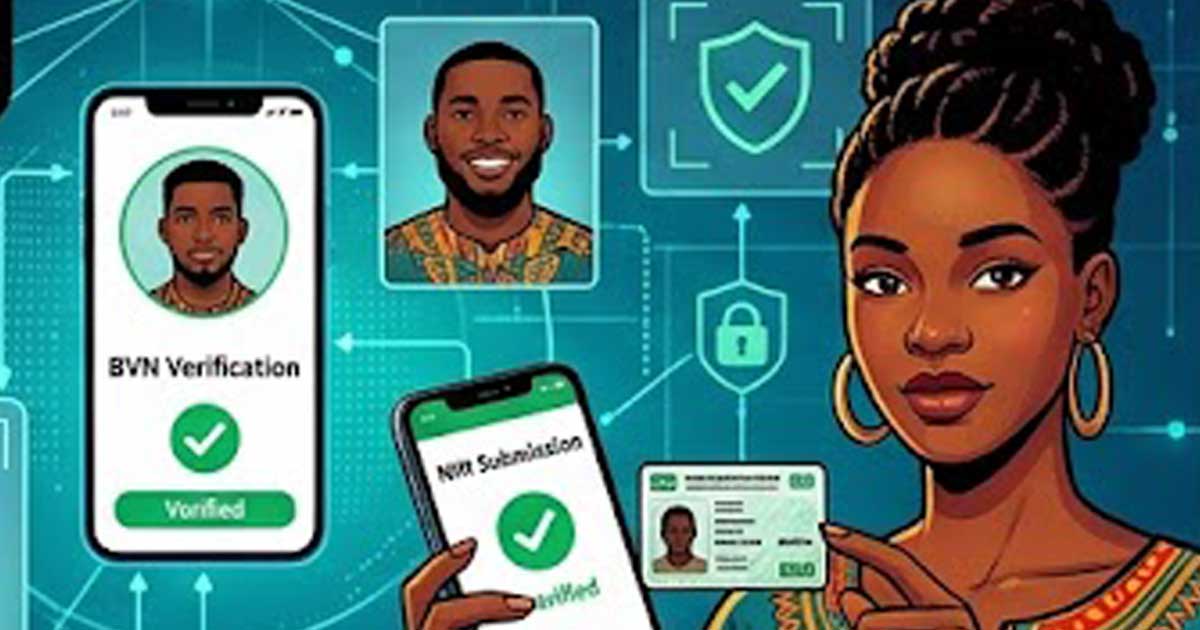
Identity Verification Is the First Barrier on Every Nigerian Fintech App
Whether you are opening a virtual dollar card, setting up a savings account, or trying to receive international payments, the first step on any Nigerian fintech app is identity verification. This process, known as KYC (Know Your Customer), is required by Nigerian financial regulations and determines what you can do on the platform.
For many Nigerians, KYC is where things get stuck. BVN mismatches, NIN issues, blurry document uploads, and unclear error messages can delay access for days or weeks. This guide explains how the process works and how to get through it smoothly.
Why Fintech Apps Require Identity Verification
Nigerian financial regulators, primarily the Central Bank of Nigeria (CBN), require all financial service providers to verify customer identities. This applies to banks, fintech companies, payment processors, and any platform that handles money.
The purpose is to:
- Prevent fraud and money laundering
- Comply with anti-terrorism financing regulations
- Protect users from unauthorized account access
- Enable transaction monitoring and dispute resolution
Fintech apps cannot legally let you transact beyond basic limits without completing KYC. The more verification you complete, the higher your transaction limits.
KYC Tiers in Nigeria
Most Nigerian fintech apps use a tiered KYC system:
Tier 1: Basic
Requires minimal information such as your name, phone number, and date of birth. Allows limited transactions with low daily and cumulative limits. Useful for testing an app but not practical for regular use.
Tier 2: Standard
Requires BVN verification and sometimes a government-issued ID. Increases your transaction limits significantly. This is the minimum tier most people need for everyday use.
Tier 3: Full
Requires NIN, proof of address, and sometimes additional documentation. Unlocks the highest transaction limits and full platform features. Required for services like virtual dollar cards, international transfers, and high-value transactions.
BVN Verification: What It Is and Common Problems
What is BVN?
Your Bank Verification Number is an 11-digit number that links your identity across all Nigerian banks. It was introduced by the CBN to create a unified identification system for the banking sector. Every bank account holder in Nigeria should have one.
How BVN verification works on fintech apps
When you enter your BVN on a fintech app, the platform checks it against the national BVN database. It verifies your name, date of birth, and sometimes your phone number and photo. If the details match, verification passes.
Common BVN problems
- Name mismatch: The name on your BVN must match what you entered on the app exactly. Middle names, abbreviations, and spelling differences cause failures.
- Phone number mismatch: Some platforms verify the phone number linked to your BVN. If you changed your number since enrolling, this can fail.
- Date of birth mismatch: If the date of birth on your BVN differs from what you entered, verification will fail.
- BVN not found: This usually means the number was entered incorrectly or your BVN enrollment was not completed properly.
How to fix BVN issues
- Visit your bank to confirm the exact details linked to your BVN
- Update your phone number on your BVN through your bank if it has changed
- Correct any name or date of birth errors through your bank's BVN update process
- Make sure you enter the BVN exactly as registered, with no extra spaces or digits
NIN Verification: What It Is and When You Need It
What is NIN?
Your National Identification Number is an 11-digit number issued by the National Identity Management Commission (NIMC). It is separate from your BVN and serves as a broader national identity credential.
When fintech apps require NIN
NIN is typically required for Tier 3 verification or for specific services like virtual dollar cards, international payment features, and higher transaction limits. Some apps now require NIN even for Tier 2.
Common NIN problems
- NIN not yet issued: If you enrolled but have not received your NIN, check your enrollment status through NIMC channels.
- Data mismatch between NIN and BVN: If your name or date of birth differs between your NIN and BVN records, some platforms will flag this as a verification failure.
- NIN slip vs NIN card: Most apps accept the 11-digit NIN number itself. You do not always need the physical card, but some may ask for a photo of your NIN slip or card.
Document Upload Requirements
Beyond BVN and NIN, many fintech apps require you to upload identity documents and sometimes proof of address.
Accepted identity documents
- International passport
- National ID card (NIN card)
- Voter's card
- Driver's license
Proof of address
- Utility bill (electricity, water, waste) dated within the last three months
- Bank statement showing your address
- Tenancy agreement in some cases
Tips for successful document uploads
- Use clear, well-lit photos with all four corners of the document visible
- Avoid glare, shadows, or blurry images
- Make sure the document is not expired
- Upload the correct side of the document as requested
- File size limits vary by app, so resize if your photo is too large
Selfie and Liveness Checks
Many apps now require a selfie or liveness check as part of verification. This involves:
- Taking a live photo of your face
- Sometimes following prompts like blinking, turning your head, or smiling
- The system compares your selfie to the photo on your BVN or uploaded ID
Tips for passing liveness checks
- Use good lighting, preferably natural light facing you
- Remove glasses, hats, or anything covering your face
- Hold the phone at eye level
- Follow the on-screen prompts exactly
- Make sure your face fills the frame as indicated
What to Do When Verification Keeps Failing
- Double-check that all details match exactly across your BVN, NIN, and the app
- Try uploading documents again with better photo quality
- Clear the app cache or try from a different device
- Contact the app's customer support with specific details about the error
- If BVN or NIN data is wrong, fix it at the source (your bank for BVN, NIMC for NIN) before retrying
Most verification failures are caused by data mismatches, not system errors. Fixing the underlying data is usually more effective than repeatedly retrying.
How Long Does Verification Take?
Automated BVN and NIN checks are usually instant or take a few minutes. Document review can take anywhere from a few hours to several business days depending on the platform. Some apps have faster review times than others.
If your verification has been pending for more than a week, contact support. Do not create a new account, as this can cause additional complications.
Bottom Line
Identity verification on Nigerian fintech apps is unavoidable, but it does not have to be painful. The key is making sure your BVN, NIN, and personal details are consistent and accurate before you start. Fix mismatches at the source, upload clean documents, and follow selfie prompts carefully. Once your identity is verified on one platform, the same documents and details will work on others, making each subsequent signup faster.