Blog
How to Plan World Cup Dollar Subscriptions Around Naira Card Limits in Nigeria
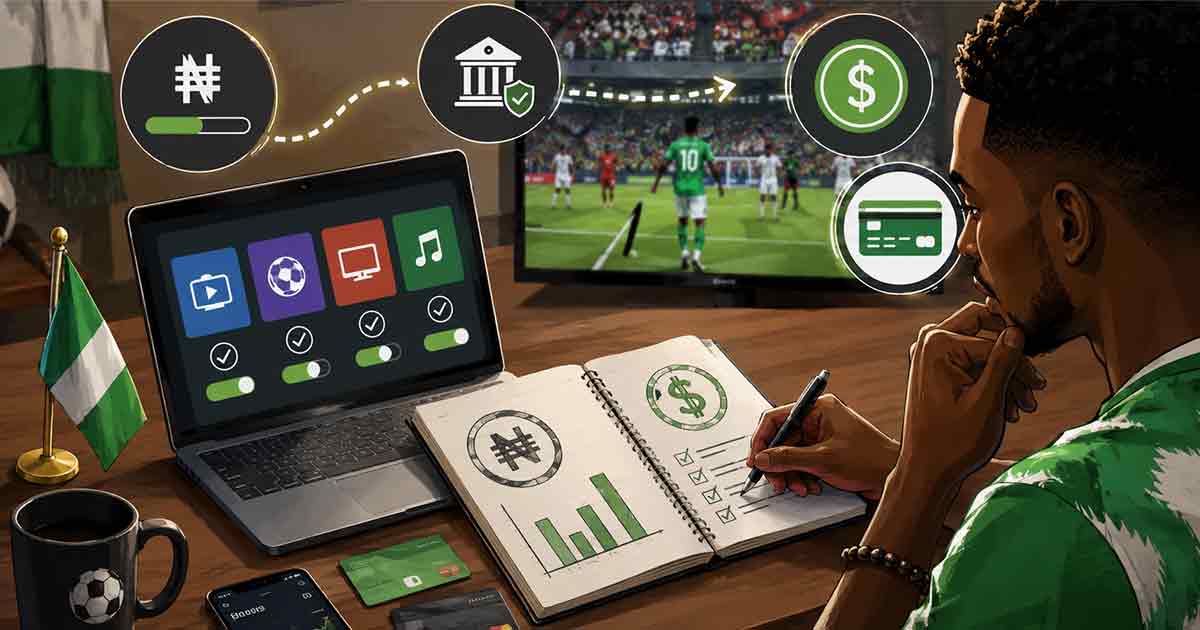
For many Nigerians, World Cup season is not only about football. It also brings more spending on streaming platforms, sports bars, mobile data, food delivery, international apps, and group payments. Some of these services charge in dollars or process payments through international gateways. That makes naira card limits and foreign exchange costs part of the real fan budget.
Several Nigerian banks have resumed international transactions on some naira cards, but users may still face quarterly limits, card-type restrictions, recurring payment failures, and exchange-rate uncertainty. The practical question is not simply, "Will my card work?" It is, "How do I plan my dollar spending so one subscription does not block the rest of my month?"
What Naira Card Limits Mean for Football-Season Spending
A naira card limit is the maximum amount your bank allows you to spend on international transactions within a period, often monthly or quarterly depending on the bank and card type. Even when international transactions are enabled, the limit may cover online subscriptions, foreign POS transactions, ATM withdrawals abroad, and other cross-border purchases.
That matters during World Cup season because a fan may have several small dollar expenses at once: a streaming subscription, cloud storage for highlights, app purchases, a premium social media tool, an international shopping order, or a virtual watch-party platform. Individually, these charges may look small. Together, they can consume a card limit faster than expected.
Build a Dollar Subscription Map Before You Pay
Before adding your card to any new service, list every active dollar or international subscription. Include services that renew quietly in the background. A simple map should show:
- service name
- billing currency
- monthly or yearly amount
- next renewal date
- payment method used
- whether the service is essential during the tournament
This gives you a clear view of which payments deserve your limited international card access. It also prevents a low-priority renewal from using the same limit you wanted for a streaming plan.
Separate Must-Have, Nice-to-Have, and Risky Payments
| Payment type | Example | Recommended action |
|---|---|---|
| Must-have | Main streaming plan, work tool, mobile data bundle | Pay first and confirm renewal dates |
| Nice-to-have | Extra channel, premium fan community, merchandise cart | Delay until core payments clear |
| Risky | Unknown seller, unofficial stream, suspicious discount link | Avoid, even if the price looks low |
This ranking is important because World Cup excitement can turn optional purchases into urgent decisions. If the purchase does not improve access, safety, or a planned fan experience, it should not take priority over core payments.
Check the Full Naira Cost, Not Just the Dollar Price
A $10 subscription is not just $10 to a Nigerian user. The naira cost depends on the exchange rate used by the bank or payment provider, possible card fees, and the timing of settlement. If the naira weakens or the bank applies a higher conversion rate, the final debit may be above your rough estimate.
Use a buffer. If your target subscription appears to cost the naira equivalent of $10, budget more than the exact conversion. This reduces the chance of failed payment due to insufficient funds or a surprise debit that disrupts your other expenses.
Do Not Rely on One Payment Method
If one naira card is your only international payment option, a failed subscription can waste time and create pressure to use unsafe shortcuts. A safer setup is to decide your backup before you need it. Depending on your situation, the backup could be a virtual dollar card, a supported gift card, a domiciliary card, or another bank card with confirmed international access.
The backup should be legal, transparent, and traceable. Avoid sellers who promise "no verification" payment routes, unofficial streams, or hidden conversion methods. A payment that cannot be explained clearly is usually not worth the risk.
How to Manage Recurring Charges During the Tournament
- Turn off subscriptions you do not need before activating a new one.
- Use one dedicated card or wallet for football-season digital spending.
- Set phone reminders three days before each renewal date.
- Keep screenshots of price pages and payment confirmations.
- Review your bank app after every international charge instead of waiting for month-end.
When Paying Yearly May Not Be Better
Annual plans often look cheaper per month, but they lock more money at once. If you only need a service for the tournament window, a monthly plan may be safer even if the monthly rate is higher. Paying yearly makes sense only if you already use the service outside football season and can afford the upfront naira cost without touching emergency funds.
Bottom Line
Naira card international access can make World Cup digital spending easier, but it does not remove the need for planning. Treat every dollar subscription as part of one limited budget. Map your renewals, keep a naira buffer, choose trusted payment channels, and avoid pressure purchases. The best payment method is the one that works legally, fits your budget, and does not expose your bank details or savings to unnecessary risk.